Free Online Image Converter: Convert PNG, JPG, WebP, BMP and PDF Privately
Use a free online image converter in your browser to change PNG, JPG, WebP, BMP and PDF formats without uploading files. Fast, private, and built for everyday workflows.
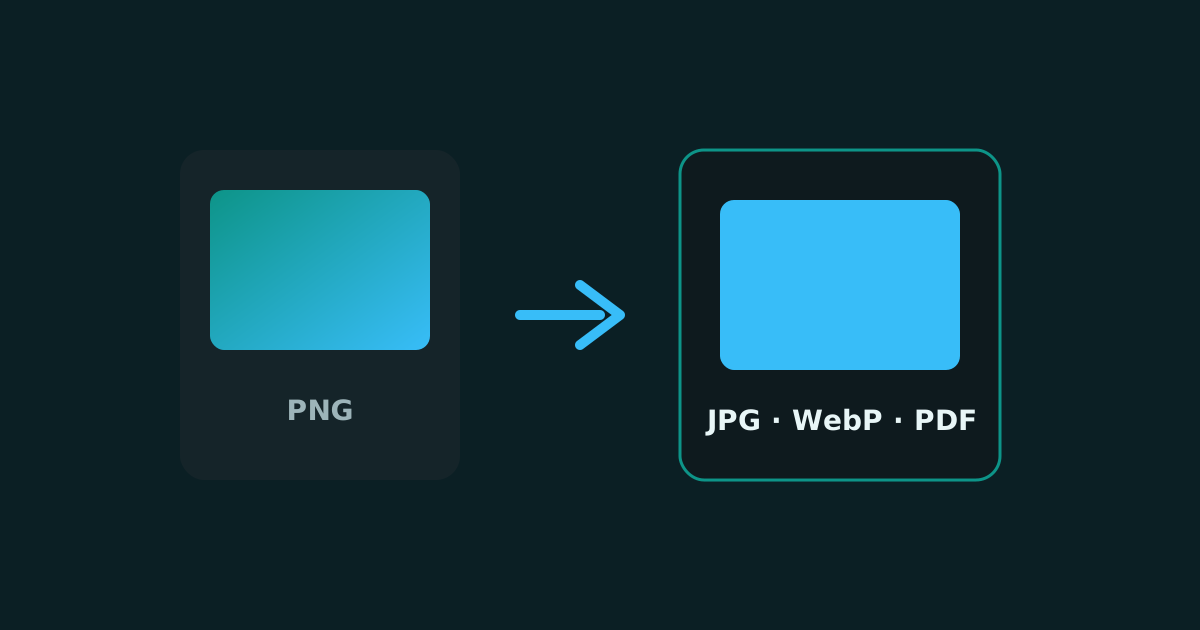
A free online image converter should do one job well: take the file you already have and turn it into the format you need next. Maybe that is PNG to JPG for a smaller email attachment, JPG to PNG for a transparent logo workflow, or WebP for a faster website. The best converters also respect privacy, which is why browser-based tools matter.
Smart Convert Pro is built as a private image converter. You open the page, add your files, choose an output format, and download the result. There is no sign-up wall and no need to send personal photos or client assets through an unknown upload form.
What an online image converter is for
People convert images online when a platform rejects the current format, when a file is too large, or when a design tool expects a different container. Common searches include convert images online, free JPG to PNG converter, PNG to WebP, and image to PDF. Those jobs are all format problems, not editing problems.
- Convert JPG to PNG for graphics and further editing
- Convert PNG to JPG to reduce file size for sharing
- Convert WebP to PNG when an older app cannot open WebP
- Convert PNG or JPG to PDF for documents and portfolios
- Move between BMP and modern formats for legacy files
How to convert images online in your browser
- Open the free online image converter on Smart Convert Pro
- Add one image or a batch of files from your device
- Choose the output format such as PNG, JPG, WebP, BMP or PDF
- Convert the queue and download each finished file
Local conversion keeps the workflow simple. Your file never needs to leave the device to become the format you need.
SEO and speed benefits of the right format
Search engines reward pages that load well on mobile. Choosing WebP or a well-compressed JPG for photos can reduce page weight. Keeping PNG for sharp logos protects clarity. An image converter helps you prepare assets for both users and crawl efficiency without rebuilding your whole media library by hand.
When to use related tools
If the file is already the right format but too heavy, use the image compressor. If dimensions are wrong for social or web layouts, use the image resizer. If you only need part of the frame, use the cropper. Conversion, compression, resize and crop cover most everyday image prep.
Frequently asked questions
Is this image converter free?
Yes. Smart Convert Pro lets you convert images online for free with no account and no watermark.
Do my images get uploaded to a server?
No. Conversion runs in your browser, so your files stay on your device during normal use.
Which formats can I convert?
You can convert between popular formats such as PNG, JPG, WebP, BMP, HEIC and PDF depending on the tool page.
If you need a private way to convert images online today, start with the free image converter, process a test file, and keep the workflow that fits your stack. The fastest format change is the one you can finish without waiting on an upload queue.
Keep reading
Crop Images Online: Trim and Frame Photos in Your Browser
Crop images online to remove distractions, fix framing and prepare photos for posts or profiles. A free private image cropper for everyday edits.
Resize Images Online: Change Width and Height Without Uploading
Resize images online for social posts, websites and email. Change width and height privately in your browser with a free image resizer.
Free Online Audio Converter: MP3, WAV, M4A, AAC, FLAC and More
Convert audio files online in your browser. Change MP3 to WAV, WAV to MP3, M4A to MP3 and more with a private free audio converter.