Resize Images Online: Change Width and Height Without Uploading
Resize images online for social posts, websites and email. Change width and height privately in your browser with a free image resizer.
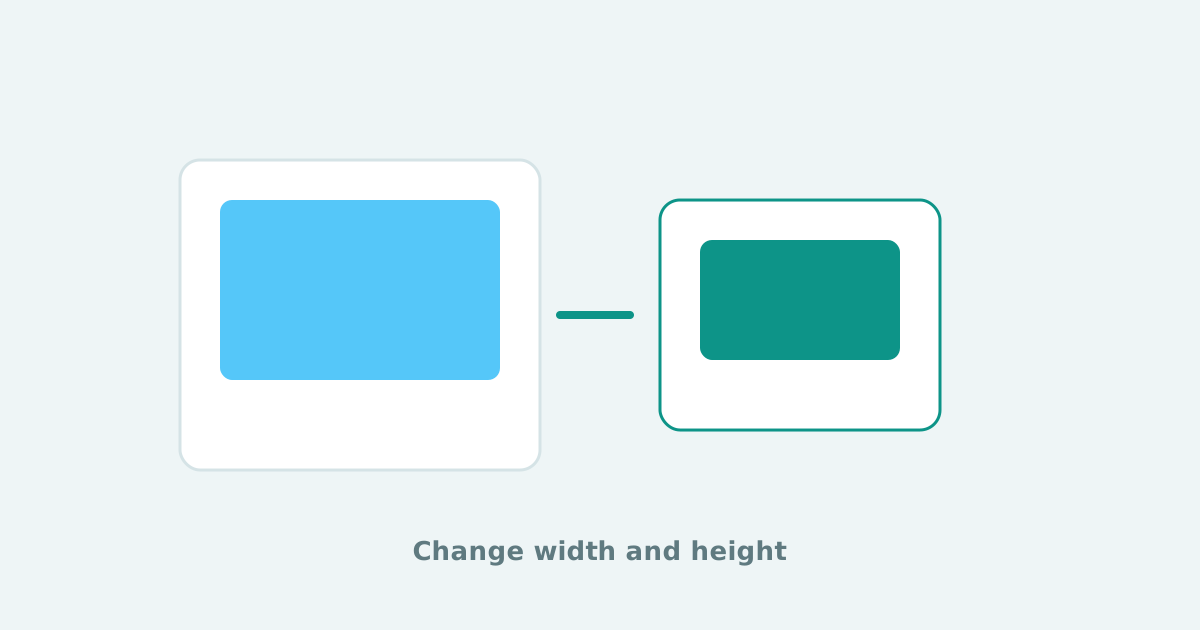
An image can be perfect and still fail because the dimensions are wrong. Social templates, website heroes, thumbnails and print layouts all ask for specific widths and heights. A free image resizer lets you change image size quickly without opening a heavy editor.
Smart Convert Pro helps you resize images online in your browser. That means you can prepare photos for Instagram, blog featured images or product cards while keeping the files on your device during normal use.
When you should resize a photo
- A website theme expects a specific featured-image size
- A social platform crops awkwardly unless you match the ratio
- An email template breaks when the source image is too wide
- A product gallery needs consistent dimensions across a batch
How to resize images online
- Open the free image resizer
- Add the photo or graphic you want to change
- Set the target width and height for your destination
- Export the resized image and review it at real display size
Resize for the destination, not for every possible future use. Keep the original master file untouched.
Resize, crop or compress?
Use resize when the whole frame should scale to new dimensions. Use crop when you need to reframe the subject. Use compress when the dimensions are fine but the file weight is too high. Many SEO and page-speed wins come from combining resize with compression after the layout size is locked.
Frequently asked questions
How do I resize an image without losing too much quality?
Start from a high-quality original, resize once to the target dimensions, and avoid repeatedly shrinking and enlarging the same export.
Can I resize images online for free?
Yes. Smart Convert Pro includes a free image resizer that runs in your browser.
Should I resize before or after converting formats?
Resize to the final display size first when possible, then convert or compress for delivery.
If a layout keeps rejecting your photo, check dimensions before you blame the format. A quick pass through the image resizer often fixes the issue faster than another round of redesign.
Keep reading
Crop Images Online: Trim and Frame Photos in Your Browser
Crop images online to remove distractions, fix framing and prepare photos for posts or profiles. A free private image cropper for everyday edits.
Free Online Audio Converter: MP3, WAV, M4A, AAC, FLAC and More
Convert audio files online in your browser. Change MP3 to WAV, WAV to MP3, M4A to MP3 and more with a private free audio converter.
HEIC Converter: Convert iPhone HEIC Photos to JPG, PNG, WebP or PDF
Convert HEIC to JPG and other formats online without uploading. A private HEIC converter for iPhone photos, AirDrop files and everyday sharing.