Crop Images Online: Trim and Frame Photos in Your Browser
Crop images online to remove distractions, fix framing and prepare photos for posts or profiles. A free private image cropper for everyday edits.
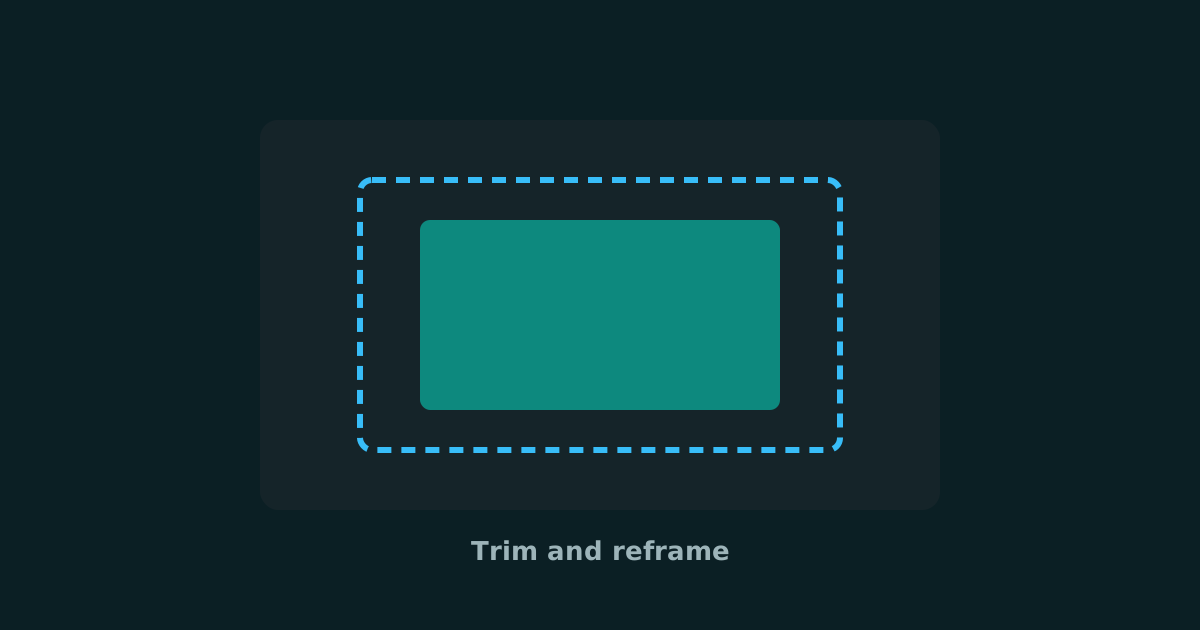
Cropping is one of the fastest ways to improve a photo. You trim empty edges, center the subject, and remove distractions without a full retouch. A free image cropper is often all you need before posting, listing a product or preparing a profile picture.
Smart Convert Pro lets you crop images online in your browser. That keeps personal photos and draft creatives on your device while you frame the shot you actually want to share.
Good reasons to crop a photo
- Tighten composition around a face or product
- Remove busy backgrounds before publishing
- Match a social or marketplace aspect ratio
- Cut scanned borders or unwanted margins
How to crop images online
- Open the free image cropper
- Upload the photo you want to trim
- Adjust the crop frame until the subject sits where you want it
- Export the cropped image and review it at full size
Crop for the story first. Technical size fixes can come after the frame feels right.
Crop, resize and convert together
A clean publishing workflow often looks like this: crop for composition, resize for the destination, then convert or compress for delivery. Doing those steps in order prevents soft exports and awkward platform crops later.
Frequently asked questions
Is cropping the same as resizing?
No. Cropping removes part of the frame. Resizing changes width and height of the whole image.
Can I crop images online for free?
Yes. Smart Convert Pro includes a free image cropper that works in your browser.
Should I crop before compressing?
Yes in most cases. Crop to the final composition first, then compress or convert the finished frame.
If a photo feels messy, try cropping before you reach for filters. A stronger frame often does more for clarity and click-through than another round of color tweaks.
Keep reading
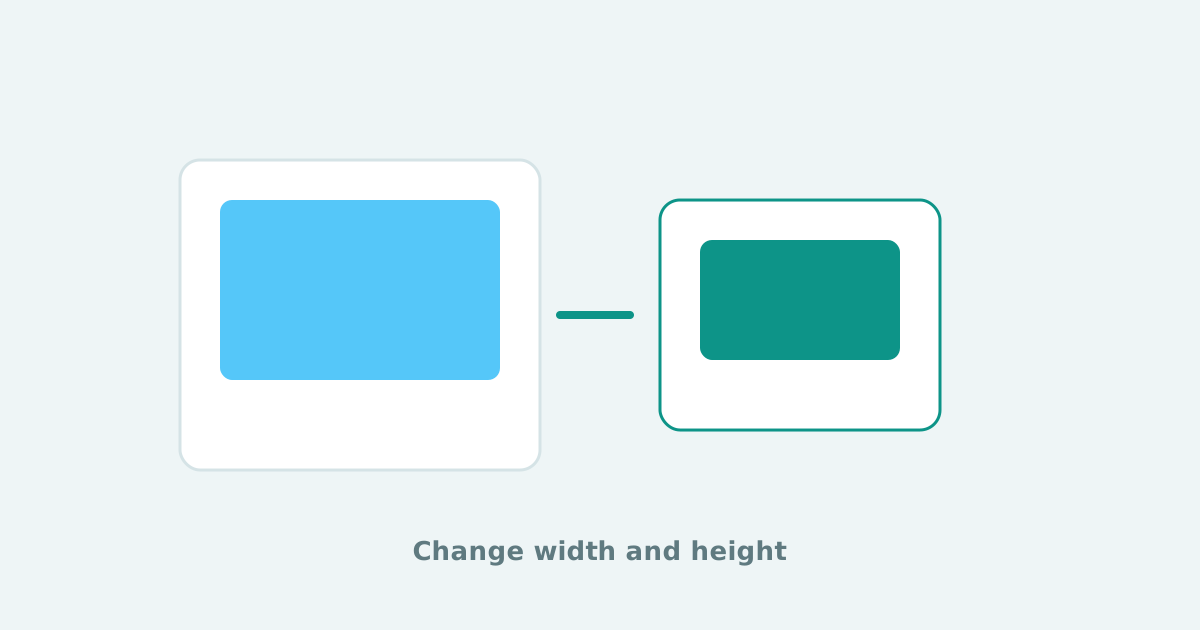
Resize Images Online: Change Width and Height Without Uploading
Resize images online for social posts, websites and email. Change width and height privately in your browser with a free image resizer.
Free Online Audio Converter: MP3, WAV, M4A, AAC, FLAC and More
Convert audio files online in your browser. Change MP3 to WAV, WAV to MP3, M4A to MP3 and more with a private free audio converter.
HEIC Converter: Convert iPhone HEIC Photos to JPG, PNG, WebP or PDF
Convert HEIC to JPG and other formats online without uploading. A private HEIC converter for iPhone photos, AirDrop files and everyday sharing.