Batch Convert Multiple Images at Once
Learn how to batch convert images online, queue multiple files, choose output formats, and finish a whole set privately in your browser.
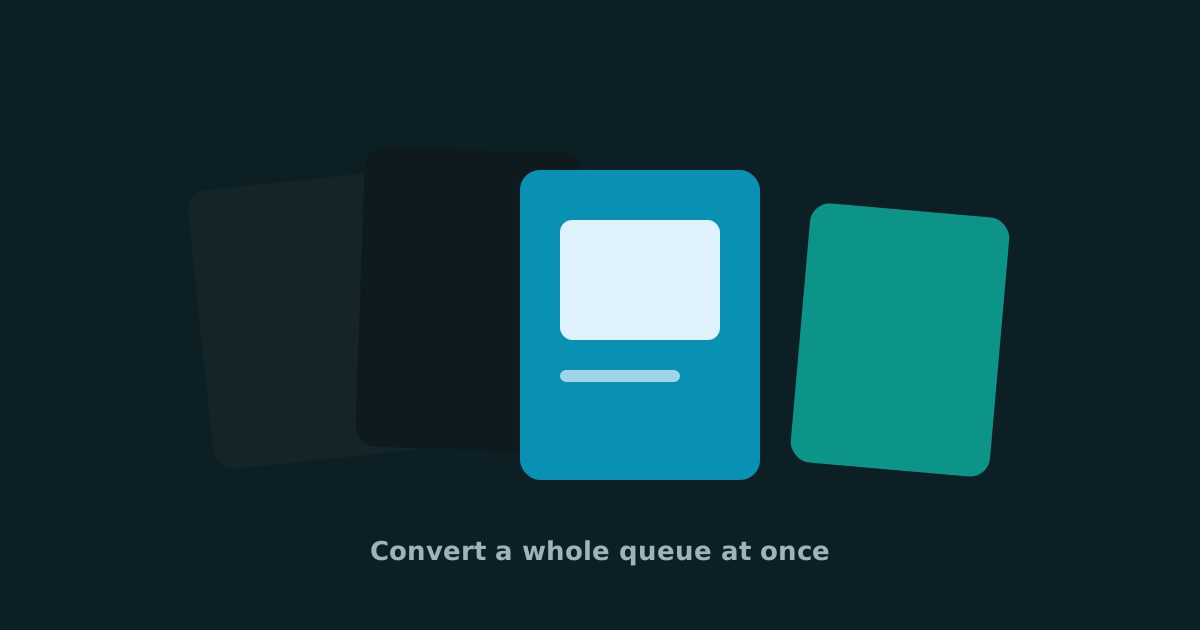
One-off conversion is easy. Twenty product shots before a launch is where the friction shows up. A batch image converter exists so you are not babysitting a single file dialog over and over. If you need to bulk convert PNG to JPG, prepare a WebP set for a website, or turn a folder of photos into shareable formats, queue-based conversion saves real time.
Smart Convert Pro supports batch processing directly in the browser. That means you can convert multiple images at once without uploading the whole set to a remote service.
A simple batch conversion workflow
- Drop several images into the converter at once
- Set a shared output format, or tweak formats per file
- Convert the queue, then download finished items
- Clear the list and start the next set when you are done
When bulk conversion helps most
Ecommerce teams use batch convert tools before listing updates. Blog editors use them when migrating featured images to WebP. Photographers use them to deliver JPG proofs from mixed source formats. In each case, consistency matters as much as speed. A shared output setting keeps the pack uniform for handoff.
Batch does not change the privacy model. Every file still processes locally on your device.
Formats and tips for cleaner batches
Use batch mode for JPG, PNG, WebP, BMP, and PDF outputs when you need a consistent handoff pack without building a desktop script. Keep an eye on source quality. A bulk PNG to JPG run will not repair blurry originals, and a WebP export will look best when the source files are already sharp.
- Group similar assets together before converting
- Decide the destination format first (web, email, print, or archive)
- Spot-check one converted file before downloading the full set
- Keep originals until the recipient confirms the batch
If your next project involves dozens of images, start with a private bulk image converter in the browser. You will move faster, keep files under your control, and spend less time repeating the same conversion steps.
Keep reading
Crop Images Online: Trim and Frame Photos in Your Browser
Crop images online to remove distractions, fix framing and prepare photos for posts or profiles. A free private image cropper for everyday edits.
Resize Images Online: Change Width and Height Without Uploading
Resize images online for social posts, websites and email. Change width and height privately in your browser with a free image resizer.
Free Online Audio Converter: MP3, WAV, M4A, AAC, FLAC and More
Convert audio files online in your browser. Change MP3 to WAV, WAV to MP3, M4A to MP3 and more with a private free audio converter.