PNG to JPG: Reduce File Size Without Hassle
PNG files can get heavy fast. Learn when converting PNG to JPG is worth it, how quality changes, and how to shrink images online without uploading them.
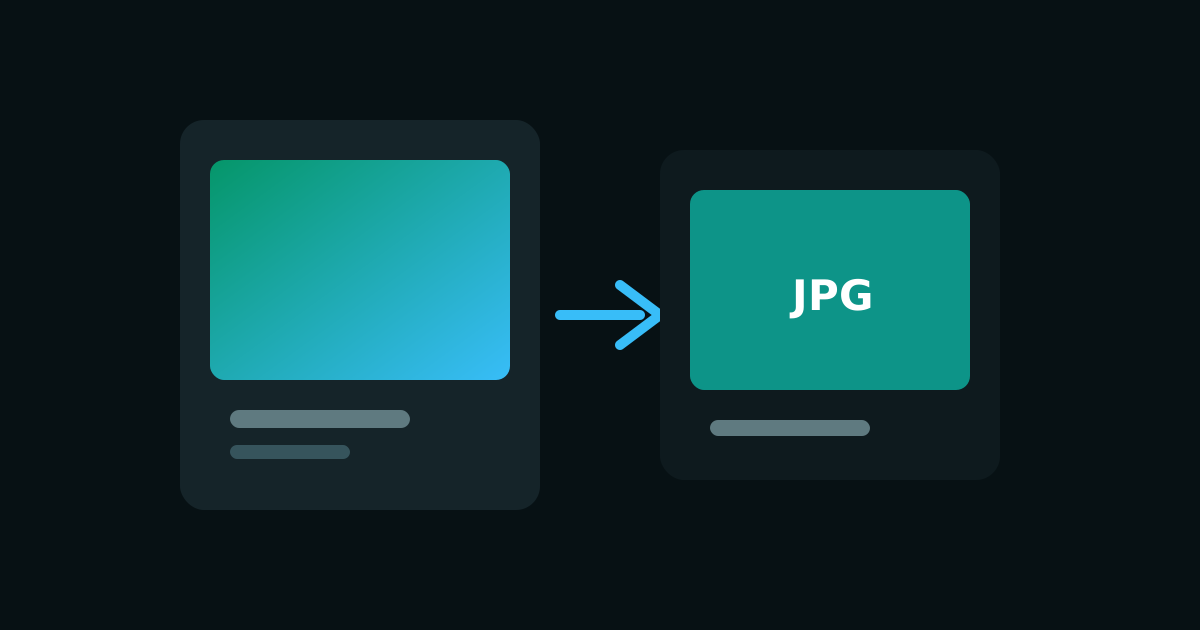
PNG is wonderful until your inbox rejects a 12 MB attachment. Lossless compression and transparency are powerful, but photographic PNGs often carry more weight than you need for email, social posts, marketplace listings, or quick sharing. That is when a PNG to JPG converter becomes useful.
Converting PNG to JPEG (JPG) trades some quality flexibility for a much smaller file. Used in the right situations, it is one of the simplest ways to reduce image size without opening a full desktop editor.
When PNG to JPG makes sense
Choose PNG to JPG when the image is mostly photographic and does not rely on transparency. Soft gradients, portraits, lifestyle photos, and scanned pages without cutouts usually compress well as JPG. The result is easier to email, upload to forms, and publish on platforms that still prefer JPEG.
- The image is a photo or soft gradient with no transparent background
- You need a smaller file for email, forms, or messaging apps
- You are publishing to a platform that prefers JPG or JPEG
- You want to reduce PNG file size before uploading to a CMS
When you should keep PNG
Screenshots, UI mockups, logos, and anything with crisp text usually look worse as JPG. Soft ringing around letters is the classic giveaway. If the file needs a transparent background, JPG cannot help. It will fill that empty space with a solid color, which often looks like a white or black box.
If transparency matters, keep PNG or convert to WebP instead of JPG.
Quality tips before you convert PNG to JPEG
Start from the highest quality source you have. Re-saving an already compressed JPG again and again can stack artifacts. For a one-time PNG to JPG conversion, use a clear original PNG, convert once, and keep the PNG if you may need transparency later. For web delivery, also consider WebP as an alternative when browsers and tools support it.
Convert PNG to JPG without uploading
Smart Convert Pro runs PNG to JPG conversion entirely on your device. There is no account wall, no waiting room, and no third-party storage. That matters when the PNG contains client work, product drafts, or personal photos you do not want to send through a random upload form.
- Open the PNG to JPG tool
- Add one file or a batch of PNG images
- Convert to JPG and review the results
- Download the smaller JPEG files you need
If your goal is simply to reduce image size for sharing, PNG to JPG is often enough. If you also need modern web performance with transparency, look at PNG to WebP next. Either way, a private browser converter keeps the workflow fast and under your control.
Keep reading
JPG to PNG: When and How to Convert
Learn when JPG to PNG conversion helps, how transparency works, and how to convert JPEG photos to PNG online without uploading files to a server.
JPG to PDF: Turn Images Into Shareable Documents
Convert JPG to PDF for printing, archiving, and sharing scans or photos. Learn a private browser workflow that avoids uploading sensitive documents.