PNG vs JPG vs WebP vs BMP: Which Format Should You Use?
A clear comparison of PNG, JPG, WebP, BMP, HEIC, and PDF so you can pick the right image format before you convert and avoid the wrong trade-off.
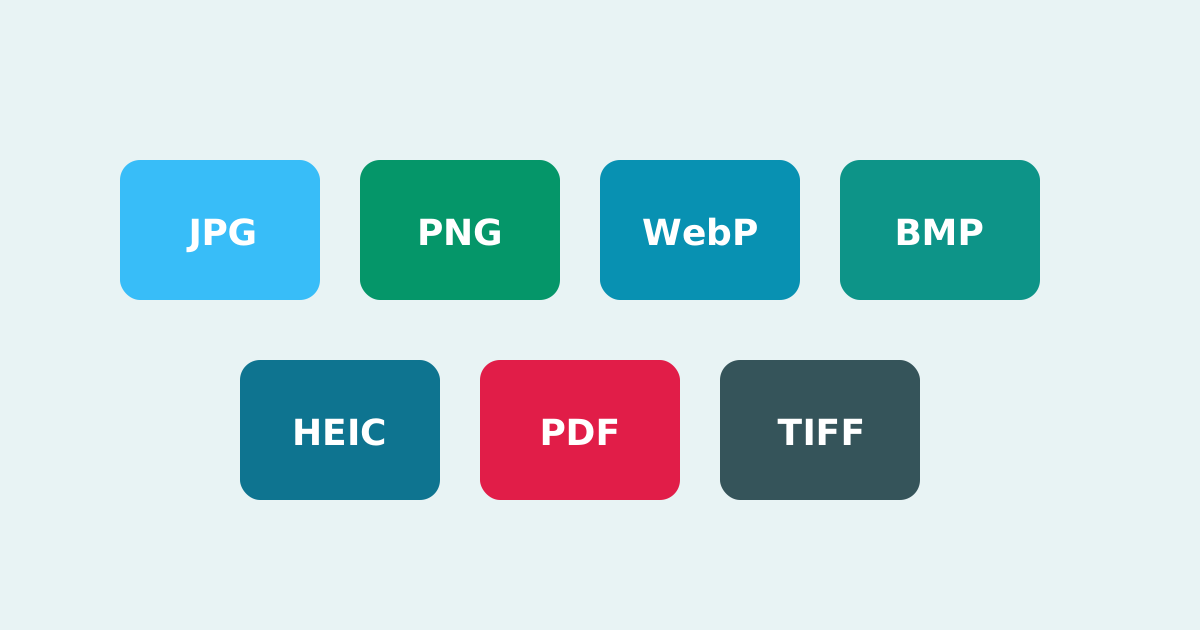
Picking an image format is less about fashion and more about the job. Photos, logos, scans, iPhone camera exports, and print packs each punish the wrong choice in a different way. A quick PNG vs JPG vs WebP comparison can save storage, improve load times, and prevent quality surprises later.
This guide walks through the formats people convert most often, including BMP, HEIC, and PDF, so you can choose before you open a converter.
JPG for everyday photos
JPG is best for photographs and busy scenes without transparency. File sizes stay small thanks to lossy compression, and support is nearly universal. The trade-off is quality loss if you re-save the same JPEG many times, and no alpha channel for transparent backgrounds.
PNG for sharp graphics
PNG is lossless and transparency-friendly. Use it for logos, icons, screenshots, diagrams, and anything with hard edges or text. Photographic PNGs can get large, which is why PNG to JPG or PNG to WebP is common before publishing.
WebP for modern websites
WebP is often the best size-to-quality deal for the web. It supports transparency and both lossy and lossless modes. Browser support is strong today, though a few legacy desktop apps still prefer PNG or JPG.
BMP, HEIC, and PDF in real workflows
BMP is mostly uncompressed and rare on the open web, but it still appears in older Windows workflows. HEIC is common on iPhone cameras and stores high-quality photos efficiently, which is why HEIC to JPG and HEIC to PNG converters are so popular. PDF is a document wrapper that can embed images, handy when you need a shareable page rather than a single photo file.
If you remember one rule: photos lean JPG or WebP, graphics with sharp edges lean PNG or WebP, iPhone originals often start as HEIC, and documents lean PDF.
How to choose before you convert
- Need transparency? Prefer PNG or WebP
- Need the smallest photo for email or social? Prefer JPG or WebP
- Working from an iPhone original? Convert HEIC to JPG or PNG as needed
- Sharing a scan or multi-image packet? Prefer PDF
- Opening a file in an older editor? Convert WebP or HEIC to PNG or JPG
Smart Convert Pro lets you move between these formats in the browser when the destination tool asks for something different. That keeps the decision practical: pick the format for the job, convert locally, and keep your originals safe.
Keep reading
What Is WebP? The Modern Image Format Explained
WebP can shrink page weight without looking cheap. Compare WebP vs JPG and PNG, learn when to convert, and improve site speed with smaller images.